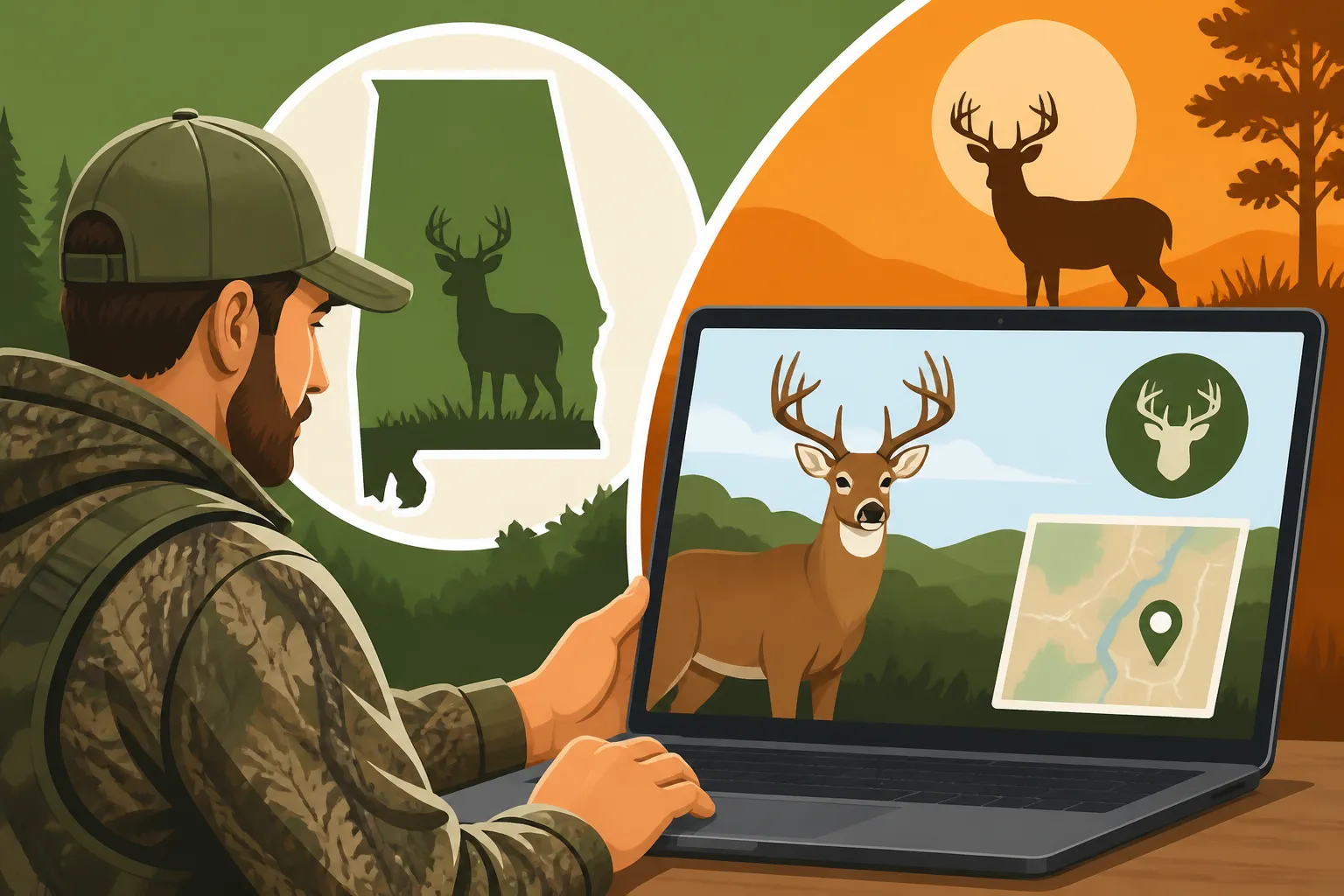
Checking an Alabama Deer Harvest Online
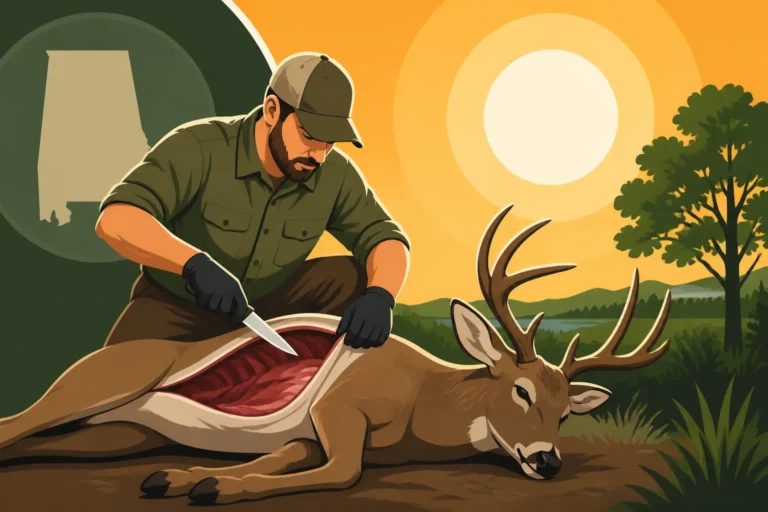
There's nothing quite like the feeling of putting a deer on the ground in Alabama, but that rush can quickly turn into a headache when you remember the mandatory reporting requirements. We've all been there: standing over a fresh harvest, miles from cell service, wondering exactly how we're supposed to "check" this deer. The good news is, Alabama has streamlined the process significantly with its online Game Check system, taking away a lot of the old-school hassle and making it much easier to stay compliant. This guide will walk you through everything you need to know about checking your deer harvest online, ensuring you're squared away with the law and contributing valuable data to our state's incredible deer management efforts.
Why Online Deer Harvest Reporting is Essential in Alabama
For many years, checking a deer often meant hauling it to a physical check station or, later, making a phone call from a landline (remember those?). It was inconvenient, to say the least, especially if you hunted deep in the woods or after hours. The move to online reporting has been a game-changer, not just for hunter convenience but also for the critical role it plays in managing Alabama's deer herd.
Understanding Game Check's Purpose
Think of Game Check as more than just a bureaucratic hoop; it's the heartbeat of Alabama's deer management program. Every time you report a deer, you're contributing a vital piece of information to a larger puzzle. Wildlife biologists at the Alabama Department of Conservation and Natural Resources (ADCNR) rely heavily on this data to understand population trends, antler development, and overall herd health across different regions. Without accurate harvest data from hunters like us, their ability to make informed decisions about seasons, bag limits, and other regulations would be severely compromised. It’s a partnership, really – we provide the data, and they use it to ensure we have a healthy, sustainable deer population for future generations to enjoy.
The Legal Obligation for Every Hunter
Let's be clear: reporting your deer harvest through the Game Check system isn't optional; it's the law. Once you've successfully harvested an antlered or unantlered deer in Alabama, you have a specific timeframe within which to report it. Typically, this is within 48 hours of harvest or prior to processing the deer, whichever comes first. Failure to report a deer is a violation and can result in fines and other penalties, which nobody wants after a successful hunt. It’s crucial to familiarize yourself with all the nuances of the Alabama Deer Reporting Rules to avoid any unpleasant surprises. This legal obligation applies to all hunters, whether you’re on private land or one of the many Wildlife Management Areas (WMAs) across the state. It’s a small step that makes a huge difference in the big picture of wildlife conservation.
Impact on Deer Management Decisions
The information collected through Game Check directly influences the ADCNR's decision-making process for managing our deer herds. For example, if harvest data shows a decline in buck age structure in a particular zone, it might prompt biologists to adjust antler point restrictions or season lengths. Conversely, if unantlered deer harvests are consistently low in a certain area with a high deer density, it could lead to increased antlerless days or bag limits to help balance the herd and reduce crop damage. This data also helps track the spread and impact of diseases like Chronic Wasting Disease (CWD), which is a growing concern, especially in areas like Alabama's Chronic Wasting Disease Management Zone. Every single report helps paint a clearer picture of the health and distribution of White-Tailed Deer Across Alabama, allowing managers to fine-tune strategies that benefit both the deer and the hunters.
Step-by-Step Guide to Reporting Your Deer Online
Navigating a new online system can feel daunting, especially if you're not the most tech-savvy. But trust me, Alabama's Game Check is designed to be user-friendly. Here’s a detailed walkthrough to make sure your reporting process is as smooth as that first sip of coffee on a cold morning hunt.
Pre-Reporting Checklist: What You Need
Before you even think about pulling out your phone or hopping on a computer, gather all the necessary information. Having these details handy will make the online process much quicker and prevent you from having to go back and find something in the middle of your report.
Here’s your essential checklist:
- Your Hunting License Number: This is unique to you and links the harvest to your profile. Make sure it's current and active. If you bought your license online through Outdoor Alabama, you probably have a digital copy or confirmation email.
- Harvest Date: The exact calendar day you harvested the deer.
- Harvest Time: The approximate time of day the deer was harvested.
- County of Harvest: The specific county where you killed the deer. This is critically important for localized data. If you’re hunting near a county line, double-check your location!
- Sex of Deer: Male or Female.
- Antler Points (for antlered bucks): Count all points that are at least one inch long. If it's an unantlered deer, you'll select "unantlered." Remember Alabama's Three-Buck Season Limit and any specific antler point restrictions that might apply in your zone, like the Four-Point Rule Exception in Barbour County.
- Approximate Age (Optional but helpful): If you can reasonably estimate the deer's age (e.g., fawn, yearling, mature adult), this adds valuable data. Don't worry if you're not an expert; it's not mandatory.
- Public vs. Private Land: Indicate whether the harvest occurred on private land or on public land, such as a National Forest or WMA.
- Method of Harvest: Archery, Muzzleloader, Gun, or Air Rifle. This helps track the effectiveness and popularity of different hunting methods.
Navigating the Outdoor Alabama Website or App
Alabama offers two main ways to report your harvest: through the official Outdoor Alabama website or their mobile app. Both are relatively straightforward.
Using the Outdoor Alabama Website:
- Head to the Website: Open your web browser and go directly to the Outdoor Alabama Game Check page. You can usually find it quickly with a search for "Alabama Game Check."
- Log In or Proceed as Guest: You'll typically have the option to log in with your hunter ID or proceed as a guest using your license number. If you've created an account before, logging in might auto-populate some of your information.
- Select "Report a Deer Harvest": Look for a clear button or link.
- Enter Your License Number: This is the first critical piece of information.
- Fill in the Harvest Details: A form will pop up asking for all the information from your pre-reporting checklist: date, time, county, sex, antler points, etc. Take your time and double-check each entry.
- Review and Submit: Before hitting the final submit button, review all the data you've entered. Ensure accuracy, especially the county and sex of the deer.
Using the Outdoor Alabama Mobile App:
The mobile app, available for both iOS and Android devices, is often even more convenient, especially if you're still out in the field. Many hunters find it easier than trying to navigate a website on a small screen.
- Download the App: Search for "Outdoor Alabama" in your phone's app store.
- Open and Navigate to Game Check: Once installed, open the app. There will usually be a prominent "Game Check" or "Report Harvest" button on the main screen.
- Enter Details: Similar to the website, you'll enter your license number and then all the harvest details. The app interface is usually very intuitive, often with dropdown menus and clear fields.
- Consider Offline Mode: One huge advantage of the app is that some versions or features allow you to begin a report even without immediate cell service. You can fill out the details, and the app will often save it to submit once you regain connection. This is a lifesaver if you're Still-Hunting Bankhead Forest Ridges or deep in Conecuh National Forest where signals are spotty. Even third-party mapping and data apps like GoHunt have features that can assist in marking locations, making it easier to remember the exact harvest spot for later reporting, though GoHunt itself isn't a reporting platform.
Confirming Your Submission and Getting Your Confirmation Number
This step is absolutely critical. After you submit your report, the system will generate a unique confirmation number. This number is your proof that you legally reported your harvest.
- Write It Down: Seriously, grab a pen and paper and write this number down immediately. Snap a screenshot with your phone. Email it to yourself. Do whatever it takes to ensure you have a record of it.
- Keep It Safe: You might need this confirmation number if there's ever a question about your harvest from a game warden, or for your own personal records. It’s also often required if you're going to a commercial processor or taxidermist.
- No Confirmation, No Report: If for some reason you don't receive a confirmation number, assume your report did not go through. Try again, or contact the ADCNR for assistance. Better safe than sorry!
Common Issues and Troubleshooting When Reporting
Even with the best intentions and preparation, sometimes things go sideways. Technology isn't always perfect, and the woods aren't exactly known for their reliable Wi-Fi. Here are some common problems hunters face and how to tackle them.
Internet Connectivity Problems in Rural Areas
This is probably the most frequent frustration. You've just dragged a heavy buck out of a creek bottom, you're exhausted, and now your phone has zero bars. It happens to the best of us when we're hunting deep in public lands like Talladega National Forest Hunting areas or other remote spots.
- Plan Ahead: Before you even leave home, download the Outdoor Alabama app and ensure you're familiar with its interface. As mentioned, some apps allow you to start a report offline.
- Move to Higher Ground: Sometimes, just walking a few dozen yards to a ridge top or clearing can make all the difference for a momentary signal boost.
- Wait Until You're Home/At Camp: If you truly have no service, don't panic. The 48-hour rule is there for a reason. Get your deer handled, tag it physically (if required by local rules or WMA regulations), and report it as soon as you reach an area with reliable internet access. Just make sure you do it before processing begins.
- Use a Buddy's Phone: If you're hunting with a partner who has service, see if they can help you submit the report. Make sure you use your license number, though!
- Utilize Public Wi-Fi: Many small towns near prime hunting areas have public libraries, coffee shops, or even gas stations with free Wi-Fi where you can quickly submit your report.
Mistakes in Entering Data and How to Correct Them
Oops! You accidentally clicked "Colbert County" instead of "Lauderdale County" for your CWD Zone Public Ground deer, or you swore it had 8 points but realized after the fact it was a 7-pointer. Mistakes happen.
- Review Before Submitting: This is why that review step is so important. Catching errors before submitting is the easiest fix.
- Contact ADCNR: If you've already submitted and realized an error, don't try to submit a duplicate report (this can cause more problems). The best course of action is to contact the ADCNR wildlife section directly. Explain your mistake, provide your confirmation number, and they will usually be able to correct the entry for you. Their contact information is typically available on the Outdoor Alabama website. Don't let it go; accurate data is key.
Losing Your Confirmation Number: What to Do Next
You successfully reported your deer, but now you can't find that all-important confirmation number. Panic sets in!
- Check Your Email/Phone: If you provided an email address during the reporting process, check your inbox (and spam folder!) for a confirmation email. If you used the app, sometimes the confirmation numbers are stored in a history section.
- Login to Your Outdoor Alabama Account: If you reported through a registered account on the website, often your harvest history and associated confirmation numbers will be linked there.
- Contact ADCNR: If all else fails, reach out to the ADCNR. With your hunting license number and the approximate date and county of harvest, they may be able to look up your submission and provide the confirmation number again. This is another reason why keeping your Alabama Hunting Licenses and What They Cost details handy is so important.
The Benefits of a Digital Reporting System for Hunters
Beyond just compliance, the move to digital harvest reporting brings several tangible benefits directly to us, the hunters. It's not just about what the state gains, but what we gain in return.
Convenience and Accessibility Anywhere
Gone are the days of rushing to a physical check station, often miles out of your way, sometimes waiting in line. The online Game Check system offers unparalleled convenience. Whether you're at your camp in the middle of nowhere, at your kitchen table after a long day, or even taking a break during a trip, if you have a signal, you can report your deer. This accessibility respects your time and effort, making the post-harvest logistics much less of a chore. For someone who spends hours scouting Alabama Public Land Before Season, having a quick and easy reporting method is a welcome relief.
Real-time Data for Better Hunting Decisions
One of the coolest aspects of a comprehensive digital reporting system is the data it generates. The ADCNR often makes aggregated harvest data available to the public. While it's not truly "real-time" down to the minute, you can often see trends developing over the season, sometimes even broken down by county or zone. This information can be invaluable for making your own hunting decisions. Want to know which counties are seeing the highest harvest rates, or if the rut is truly peaking in the Southern Zones? Looking at the aggregate data can offer clues. While GoHunt provides incredible mapping and scouting overlays, combining that with the official ADCNR harvest data can give you an even more powerful edge in understanding deer movement and success rates in different areas.
Here's a simplified example of the kind of data you might see from ADCNR, helping you understand trends:
| County | Total Deer Harvested (YTD) | Antlered Bucks | Unantlered Deer | Average Antler Points (Bucks) |
|---|---|---|---|---|
| Pickens | 1,250 | 700 | 550 | 7.2 |
| Dallas | 1,820 | 950 | 870 | 6.8 |
| Conecuh | 980 | 510 | 470 | 7.5 |
| Winston | 760 | 400 | 360 | 6.9 |
This table is illustrative and does not represent real-time ADCNR data, but it shows the kind of valuable insights readily available.
This kind of snapshot allows you to analyze hunting pressure, deer density by Alabama Region, and even buck quality. It empowers hunters to be more strategic and informed.
Contributing to the Future of Alabama Deer Hunting
At the end of the day, every time you meticulously check an Alabama deer harvest online, you're doing more than just complying with the law. You are actively participating in the stewardship of Alabama's natural resources. The data you provide, combined with thousands of other hunters' reports, allows wildlife biologists to assess the health, population, and distribution of our deer. This collective effort is what ensures that Alabama's Deer Season Structure Explained continues to offer incredible opportunities, and that future generations will have the same, if not better, hunting experiences that we cherish today. It’s about leaving a legacy of healthy deer and robust hunting traditions.
Disclaimer
Please note that hunting regulations, season dates, and reporting requirements can change. Always consult the official Alabama Department of Conservation and Natural Resources (ADCNR) website or the current Alabama Hunting and Fishing Digest for the most up-to-date and accurate information before heading afield. This guide is for informational purposes only and should not be considered legal advice.