Buying Alabama Permits Online Versus by Phone
Dealing with the logistics of buying hunting licenses and permits in Alabama can sometimes feel like trying to track a mature buck through a briar patch – confusing, time-consuming, and prone to missteps if you're not sure of the best path. Whether you're a seasoned Alabama hunter or just planning your first trip to our beautiful state, figuring out the most efficient way to secure your permits is crucial. This guide will walk you through the ins and outs of purchasing your Alabama hunting licenses and permits, comparing the online experience with the phone option, so you can spend less time on paperwork and more time in the woods.
The Online Purchase Experience: Convenience at Your Fingertips
Let's face it, in today's world, most of us reach for our phones or computers first when we need to get something done. Buying your Alabama hunting license online definitely offers a level of convenience that's hard to beat, especially when you're juggling work, family, and scouting trips. It's available 24/7, meaning you can take care of it at midnight after putting the kids to bed, or first thing in the morning with your coffee before heading out the door. No waiting for office hours, no driving to a physical vendor – just you and a screen.
However, like any online system, it has its quirks. Sometimes the website can be a bit tricky to navigate if you're not familiar with it, or you might hit a snag with payment or login issues. But for many, the trade-off of convenience is well worth learning the ropes. The key is to be prepared and understand what information you'll need at hand.
Navigating the Outdoor Alabama Website
The official portal for buying your Alabama hunting and fishing licenses is the Outdoor Alabama website, managed by the Alabama Department of Conservation and Natural Resources (ADCNR). When you first land on the site, you'll want to look for the "Licenses" or "Buy a License" section, which is usually prominently displayed. From there, you'll typically be prompted to either log in if you're a returning user or create an account if you're new to the system. This account will link to your hunter education information and previous license purchases, making renewals a breeze once you're set up.
The process usually involves selecting the type of license you need – whether it's an annual resident all-game license, a 10-day nonresident hunting license, or specific permits like a waterfowl stamp. Be meticulous here; Alabama has various license options depending on your residency, age, and what you plan to hunt. You can also research specific season dates and regulations on the Outdoor Alabama site, though tools like GoHunt can offer even deeper insights into planning your trip and understanding regulations before you even get to the purchase page. After selecting your licenses, you'll move through a series of screens asking for your personal details, residency verification, and hunter education information. It’s important to fill this out accurately, as any discrepancies can cause delays or even invalidate your purchase.
Once all your information is entered, the system will usually present you with a summary of your selections and the total cost. This is your chance to double-check everything before hitting that final "purchase" button. Most sites accept major credit and debit cards, and the transaction is typically secured. After a successful purchase, you'll receive a confirmation email, often with a temporary license or instructions on how to print your official license. Make sure to check your spam folder if you don't see it right away.
Essential Information You'll Need Online
Before you even open your browser to the Outdoor Alabama website, it's a good idea to gather all the necessary information you'll need. Think of it like packing your hunting bag – you don't want to realize you forgot something crucial when you're already in the woods. Having these details ready will make the online purchase process much smoother and prevent those frustrating moments of scrambling to find a document.
First and foremost, you'll need your personal identification. For residents, this typically means a valid Alabama driver's license or state ID. Nonresidents will need their driver's license from their home state. This information is vital for verifying your residency status, which directly impacts the cost of your Alabama Resident Hunting License Options versus Alabama Nonresident Hunting License Options. Misrepresenting your residency can lead to serious penalties, so always be truthful and accurate.
Next, have your hunter education certification number ready if you were born on or after August 1, 1977. Alabama Hunter Education Requirements mandate that individuals born after this date must complete an approved hunter education course. If you're a first-time purchaser or haven't entered this information into the system before, you'll need to provide it. If you've previously purchased a license, the system might already have it on file, but it's always good to have it handy just in case. Finally, and perhaps most obviously, you'll need a valid credit or debit card for payment. Make sure the card isn't expired and has sufficient funds. Online payment systems can be finicky, and few things are more annoying than getting to the checkout only to have your payment declined.
The Phone Purchase Experience: Human Touch and Direct Assistance
While online purchasing has become the norm for many, sometimes you just need to talk to a real person. Whether you're technologically challenged, have a complicated licensing situation, or simply prefer the human touch, purchasing your Alabama permits over the phone is a viable and often reassuring option. It means you can ask direct questions, get immediate clarification, and have an ADCNR representative guide you through the process step-by-step.
However, just like trying to get a deer to come to a grunt call on a windy day, there can be challenges. You're beholden to business hours, and sometimes wait times can be extensive, especially during peak seasons like the weeks leading up to the Alabama Deer Season Structure Explained or the Spring Turkey Hunting in Alabama opener. But for many, the peace of mind that comes from knowing you've spoken to an official and received accurate information is well worth the potential wait.
Calling the Outdoor Alabama License Division
When you decide to go the phone route, you'll be calling the Alabama Department of Conservation and Natural Resources' licensing division. It's a good idea to find their direct licensing phone number on the Outdoor Alabama website beforehand, as general department numbers might require transfers. Be aware that these lines operate during standard business hours, typically Monday through Friday, 8:00 AM to 4:00 PM Central Time. Calling first thing in the morning or later in the afternoon might help you avoid the busiest call times.
Once you connect with a representative, they will walk you through the process, asking for all the same information you would input online. The benefit here is that if you have questions about specific license types, such as understanding the nuances of the Alabama All-Game Versus Small-Game License or which WMA permit you need for a specific area, you can get real-time answers. This can be invaluable for non-residents or new hunters trying to navigate the full scope of Alabama Hunting Licenses and What They Cost. They can also help troubleshoot issues like prior purchases not showing up or if you're unsure about your hunter education status.
While the personal assistance is a major plus, do manage your expectations for wait times. During the weeks leading up to popular seasons, the phone lines can be very busy. Have a comfortable place to wait and perhaps another task you can attend to while holding. Once connected, ensure you speak clearly and confirm all details with the representative. At the end of the call, they should provide you with a confirmation number. Ask if they can email you a copy of your license or if you'll need to access it online for printing.
Information to Have Ready for Your Call
Just as with the online process, preparation is key when calling to purchase your permits. Nothing prolongs a phone call – or tries the patience of a customer service representative – more than having to dig for information while on the line. Being organized will ensure a quick and efficient transaction, getting you off the phone and back to your outdoor planning.
You'll need your full legal name, current address, date of birth, and a valid phone number. Your social security number might also be requested for identification purposes, especially for new accounts or to cross-reference with previous license purchases. Having your Alabama driver's license or state ID number (or your out-of-state ID if you're a nonresident) readily available is crucial for verifying residency, which dictates whether you pay resident or nonresident rates. For example, a nonresident looking to hunt will need specific details for their Alabama Nonresident Annual License Cost.
Additionally, if you were born on or after August 1, 1977, be prepared to provide your hunter education certification number. If you took the course in another state, make sure you have that certification documentation handy, as the representative may need to verify it. Finally, have your credit or debit card number, expiration date, and the three-digit security code (CVV) from the back of the card ready. Remember, you'll be speaking these numbers aloud, so ensure you are in a private, secure location where your financial information won't be overheard by others. Don't be afraid to ask the representative to repeat back the total cost and the types of licenses purchased to ensure accuracy before they process the payment.
Comparing the Methods: Which is Right for You?
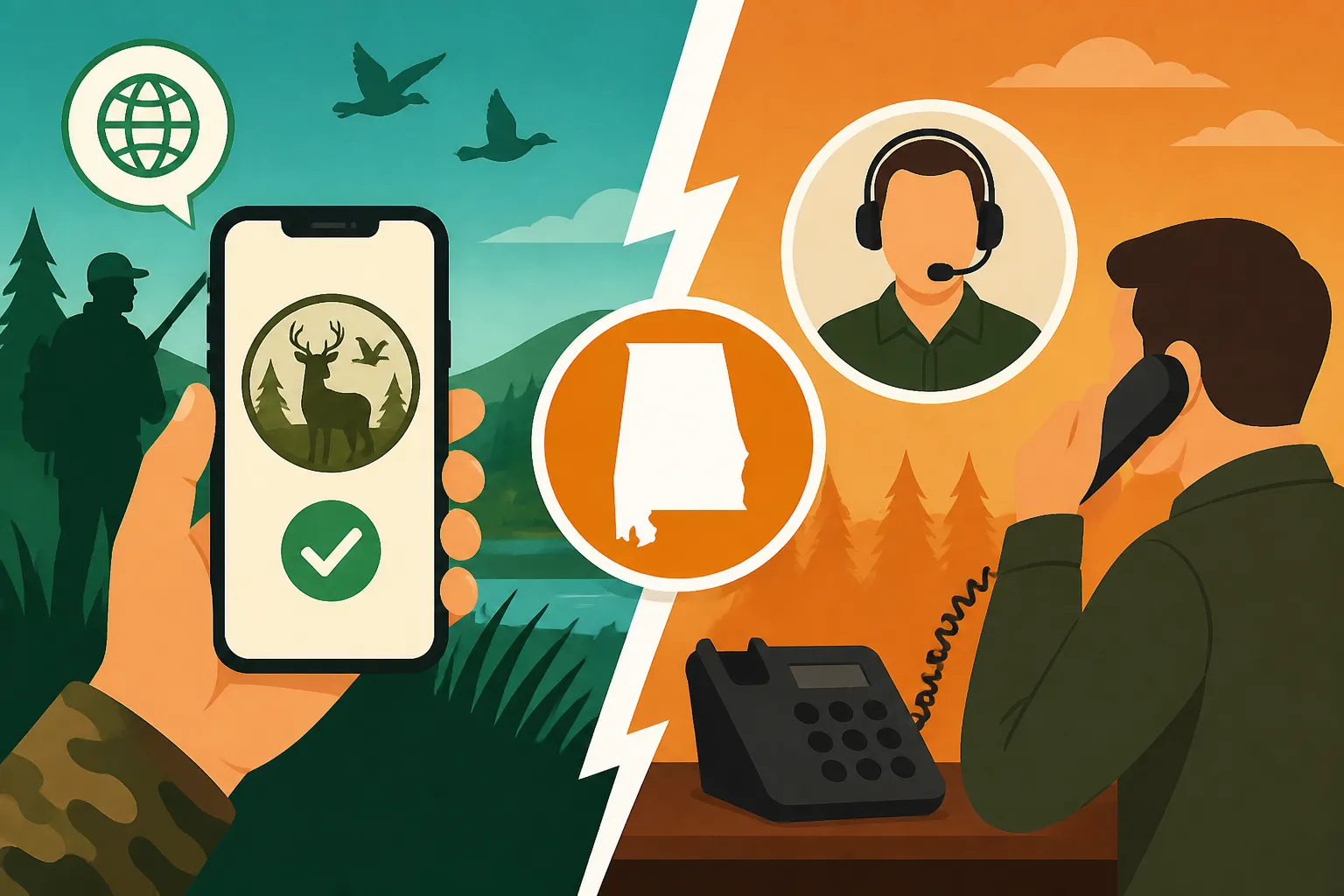
Choosing between buying your Alabama hunting permits online or over the phone often boils down to personal preference and your specific situation. There's no single "best" method; what works perfectly for one hunter might be a headache for another. It's about weighing the advantages and disadvantages of each, considering your comfort level with technology, your availability during business hours, and the complexity of your licensing needs.
Many hunters find themselves using both methods at different times. Perhaps they prefer the online system for routine renewals, but if they have a new situation, like hunting a specific WMA for the first time that requires a separate permit, they might opt for a phone call to clarify requirements. The flexibility to choose is a great asset for Alabama hunters, ensuring everyone can find a way to comply with regulations efficiently.
Speed, Accessibility, and Troubleshooting
When it comes to speed, the online system usually wins, hands down. You can often complete a transaction in minutes if you have all your information ready and the website is cooperating. It’s accessible 24/7 from anywhere with an internet connection, which is incredibly convenient for those of us with unpredictable schedules. However, troubleshooting can be a solitary experience; if you encounter a technical glitch, payment error, or confusion about a specific license, you're often left to figure it out yourself or wait until business hours to call for assistance.
The phone method, while potentially slower due to hold times and reliance on business hours, excels in direct assistance and troubleshooting. A live person can guide you, answer nuanced questions about the Alabama Deer Season Structure Explained in your specific zone, or help resolve issues that an automated system can't. This can be invaluable if you're new to Alabama's regulations or have a complex scenario, such as specific requirements for the Alabama's Chronic Wasting Disease Management Zone. Its primary drawback is the limited availability and the potential for long waits, which can be frustrating if you're trying to get a last-minute permit before a hunting trip.
Here's a quick comparison of the two methods:
| Feature | Online Purchase (Outdoor Alabama Website) | Phone Purchase (ADCNR License Division) |
|---|---|---|
| Speed | Generally faster, instant transaction if no issues. | Slower due to potential hold times; transaction speed varies with representative. |
| Accessibility | 24/7, from anywhere with internet access. | Limited to business hours (e.g., M-F, 8 AM – 4 PM CST). |
| Guidance | Self-guided, relies on clear website instructions. | Direct interaction with a knowledgeable representative. |
| Troubleshooting | Requires self-resolution or waiting for phone support. | Immediate, personalized assistance for errors or questions. |
| Information | Requires all info to be typed in accurately. | Info is spoken and verified by representative. |
| Payment | Secure online credit/debit card processing. | Credit/debit card given over the phone. |
| Proof | Email confirmation, printable temporary license. | Confirmation number, sometimes mailed license or online access for printing. |
Common Scenarios and Best Practices
Let's consider a few real-world scenarios to illustrate when one method might be preferable over the other. Imagine it's Friday evening, and you suddenly realize your license expired, and you want to hunt Saturday morning. The online system is your hero here. You can quickly renew your Alabama All-Game Versus Small-Game License, print it, and be ready for first light. There’s no way you could get through to a phone line at that hour.
Conversely, say you're a non-resident planning your first trip to Alabama, maybe specifically for Waterfowl Hunting Alabama's River Deltas, and you're unsure if you need a state waterfowl stamp in addition to your federal one, or what the specific Alabama Waterfowl Zones and Seasons are. A quick call to the ADCNR license division would clarify all those details much faster than trying to dig through pages of regulations online. The representative can ensure you get all the correct permits, including the necessary Alabama Migratory Bird Certification, ensuring you're fully legal.
A best practice, regardless of your chosen method, is to always plan ahead. Don't wait until the absolute last minute to purchase your licenses. Technical glitches happen, phone lines get busy, and you don't want to miss a prime hunting day because of a paperwork delay. Moreover, leveraging resources like GoHunt can help you consolidate all the regulatory information you need well in advance, streamlining the decision of which license to buy and how to buy it. Even if you're confident in your online purchasing skills, making a phone call to confirm complex regulations, such as those related to Alabama Feral Hog Regulations on public land, can save you a lot of grief in the long run.
After Your Purchase: What Happens Next?
So you’ve successfully navigated the online forms or chatted with a friendly representative, and your payment has gone through. Congratulations! But the process isn't quite over. What happens immediately after your purchase is just as important as the purchase itself, ensuring you have valid proof of your license in the field and know what to do if any issues arise. This stage is all about verification and readiness.
It's common for hunters, especially those new to a state's system, to feel a bit anxious about whether their purchase "took" or if they have everything they need. Rest assured, Alabama has systems in place to provide you with proof and to help you if something goes wrong. The goal is to get you confidently into the woods, knowing you're fully compliant with all state regulations.
Receiving and Storing Your Digital and Physical Permits
Immediately after an online purchase, you should receive a confirmation email. This email often contains a link to print your license directly, or it might serve as a temporary license valid for a short period (e.g., 10 days) until a physical copy arrives in the mail, though most hunters rely on digital proof these days. It's incredibly important to save this email and, if possible, print a copy of your license. You can also save a digital copy to your phone or use an app like GoHunt to store your license information for easy access in the field. Having your license readily available, whether printed or on your device, is critical for compliance.
If you purchase by phone, the representative will provide you with a confirmation number. Ask if they can email you a copy of your temporary license or provide instructions on how to access and print it online. In some cases, a physical license might be mailed to you, but relying solely on snail mail isn't practical for immediate hunting plans. The ADCNR strongly encourages hunters to utilize the digital options. For a comprehensive overview of how to manage this, you might find our guide on Carrying Proof of License on Your Phone particularly helpful. Regardless of how you receive it, ensure that the license details – your name, license type, and valid dates – are all correct. It’s your responsibility to verify this information before heading out.
Remember, having proof of your license is not just a formality; it's a legal requirement. Game wardens in Alabama conduct checks in the field, and not being able to present a valid license when requested can lead to citations and penalties. Even if you forget a printed copy, being able to pull up your license on your phone through the Outdoor Alabama app or a saved image is usually acceptable. Just make sure your phone is charged and accessible!
Troubleshooting Post-Purchase Issues
Despite your best efforts, sometimes things don't go perfectly after a license purchase. Maybe you realize you bought the wrong type of license, or the confirmation email never arrived, or perhaps the license shows incorrect dates. Don't panic; these issues are usually resolvable, but prompt action is crucial. The first step is always to double-check your own records – spam folder for emails, credit card statements for charges, etc.
If you suspect an error or haven't received confirmation, your first point of contact should be the ADCNR's licensing division. If you purchased online, look for a "contact us" link on the Outdoor Alabama website, specifically for licensing support. If you purchased by phone, use the number you called initially. Explain the situation clearly, providing them with your name, date of birth, and any confirmation numbers you received. They can look up your transaction and help identify what went wrong. For common issues like licenses not appearing, they often have quick solutions.
Another common concern is understanding the validity period of your license. Our guide on How Long an Alabama License Stays Valid can help clarify this. If you believe there's an error in the validity dates, contact ADCNR immediately. They can often correct these issues digitally or issue a corrected license. Remember, trying to hunt with an incorrect or invalid license, even if it was an accidental purchase error, can still lead to legal trouble. It's always better to take a few extra minutes to sort out any discrepancies than to risk a fine or confiscation in the field.
Disclaimer
The information provided in this guide is for general informational purposes only and is not intended as legal advice. Hunting regulations, license requirements, and fees in Alabama can change. Always consult the official Alabama Department of Conservation and Natural Resources (ADCNR) website or contact them directly for the most current and accurate information before engaging in any hunting activities.